Looping Instructions
Quest Instructions: Training for 5K
We’ll play the role of a beginner runner starting to train for a 5K. During this quest, we will build a regimen to gain speed, endurance, and practice. Complete the puzzles in order, starting with the warmup, to get started on our 5K journey!
Reminders & Hints:
A sprite is a character or object you can control with programming blocks.
Start each puzzle with the block, When Green Flag is Clicked 
If your Parsons palette is grey (disabled  ), you can use each enabled block multiple times. If it is purple (enabled
  ), you can only use each block only once.
If you follow the instructions precisely, you can earn the highest score using the fewest moves for each puzzle. This is your goal! You might or might not receive various types of feedback and see blocks locked and unlocked to guide you as puzzles are solved. Locked blocks can be unlocked by making correct moves with unlocked blocks.
You will not be able to submit until your solution is correct, or you’ve attempted two times the number of moves required to solve the puzzle. All blocks need to be connected to one another in order to run.
If you receive Orange and Purple feedback, try pausing between block moves to review the messages and to carefully select the next block.
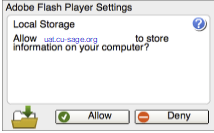
You might see a message similar to the one from Flash below. Please select Allow. This message applies to the virtual machine, and the storage used for necessary interaction tracing is small and harmless.
Warmup
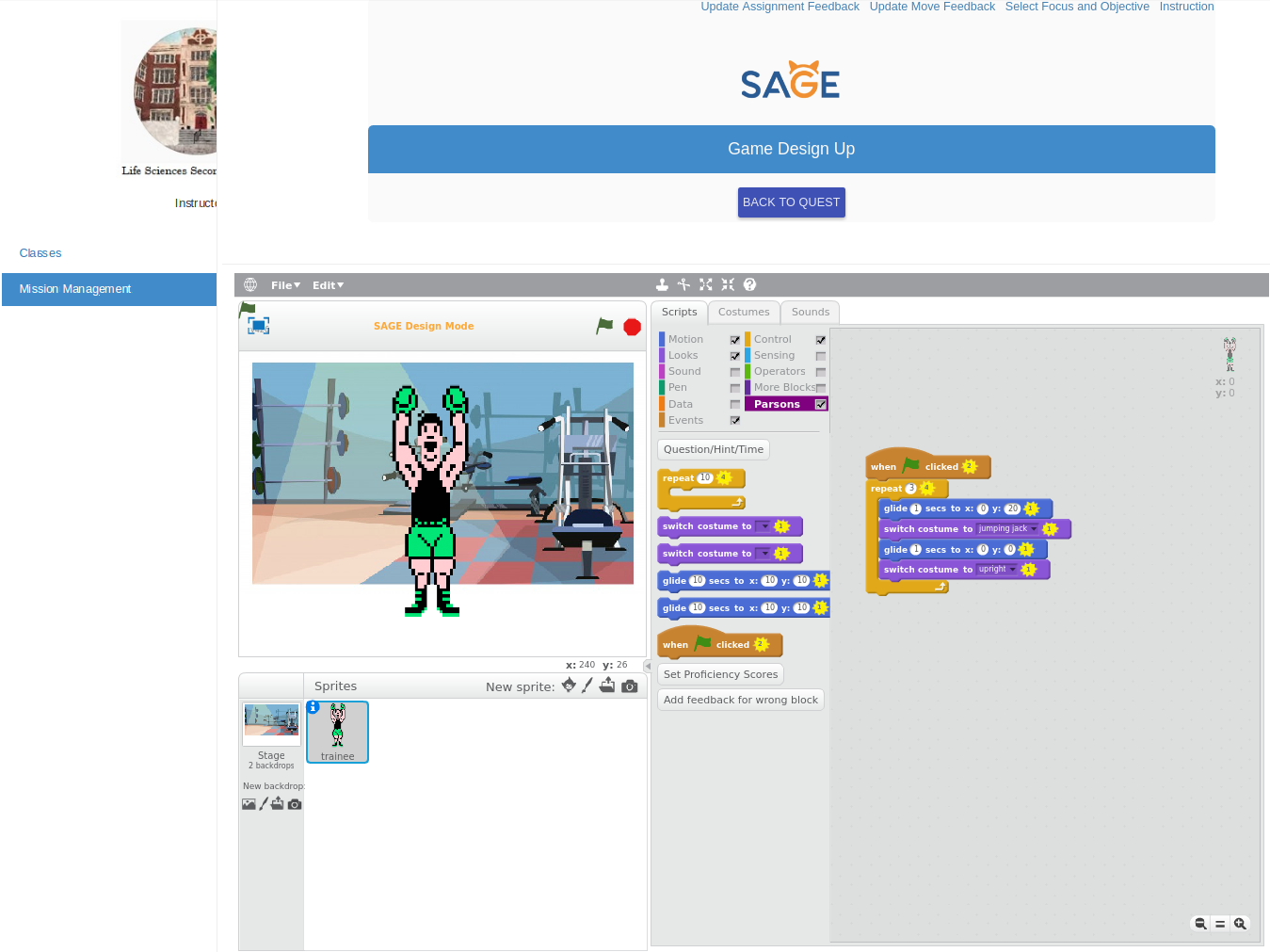
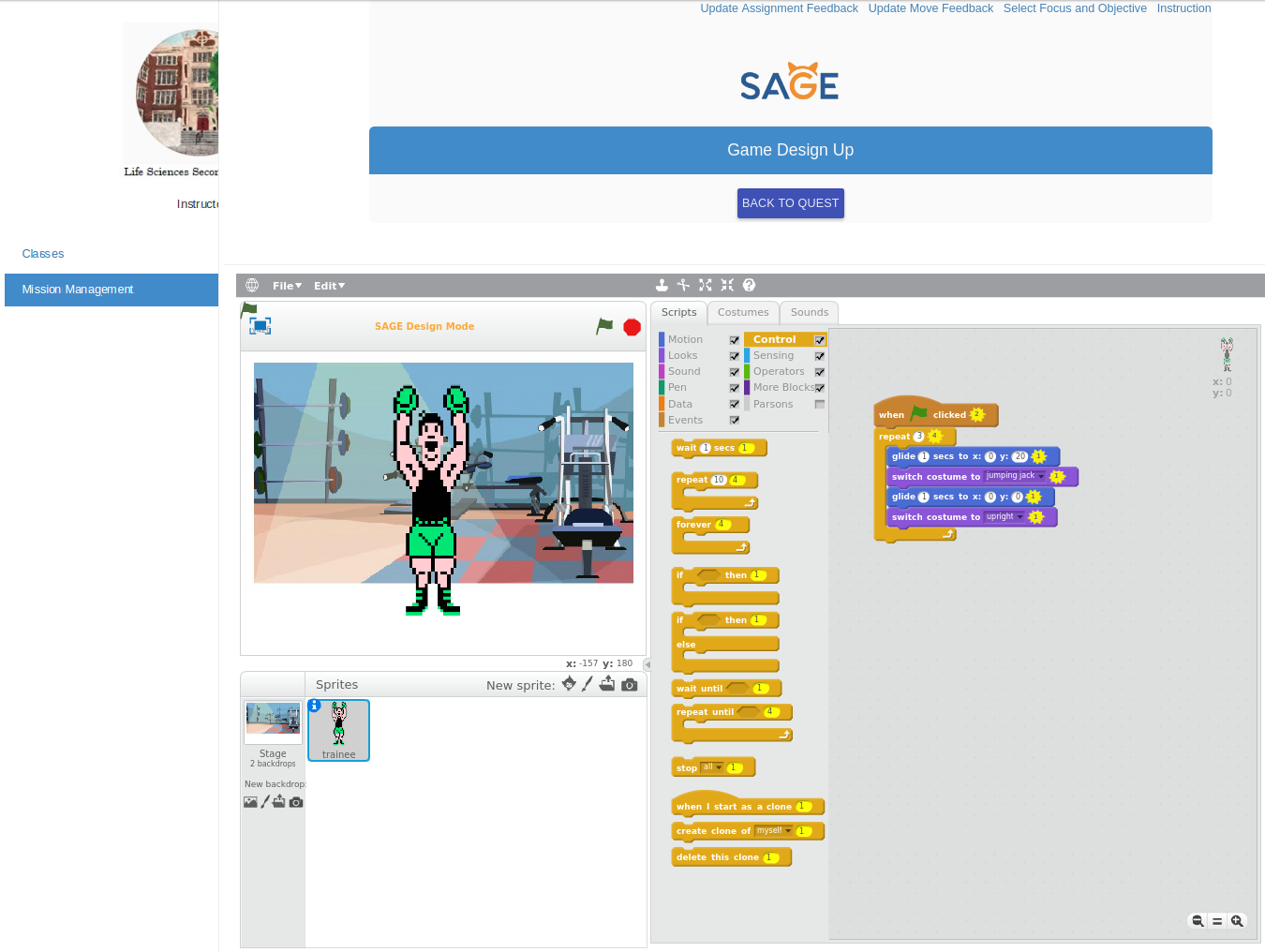
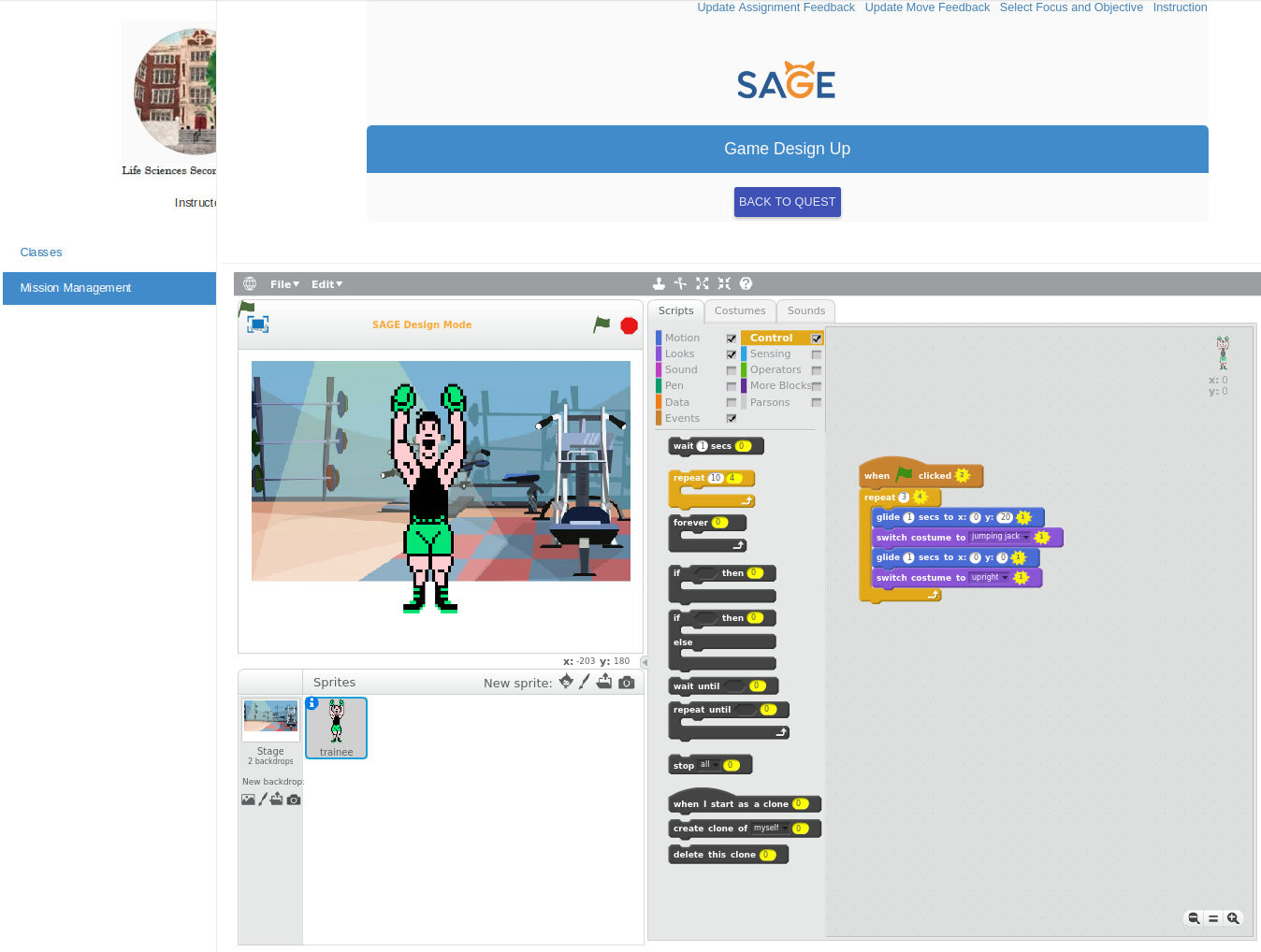
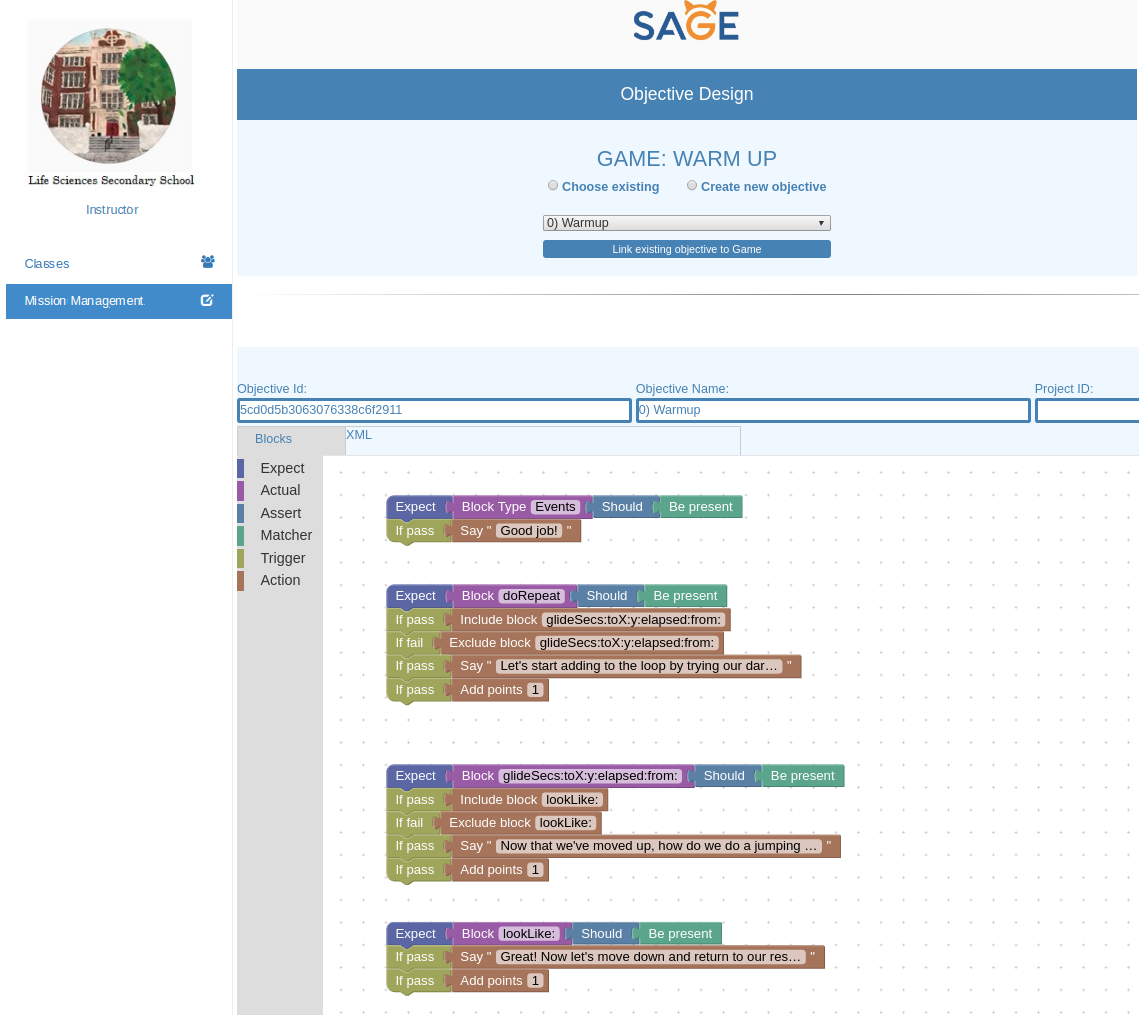
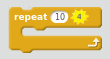
Looping: This block allows the user to repeat the blocks inside of it x number of times, where x is the value passed in next to the “repeat” statement.

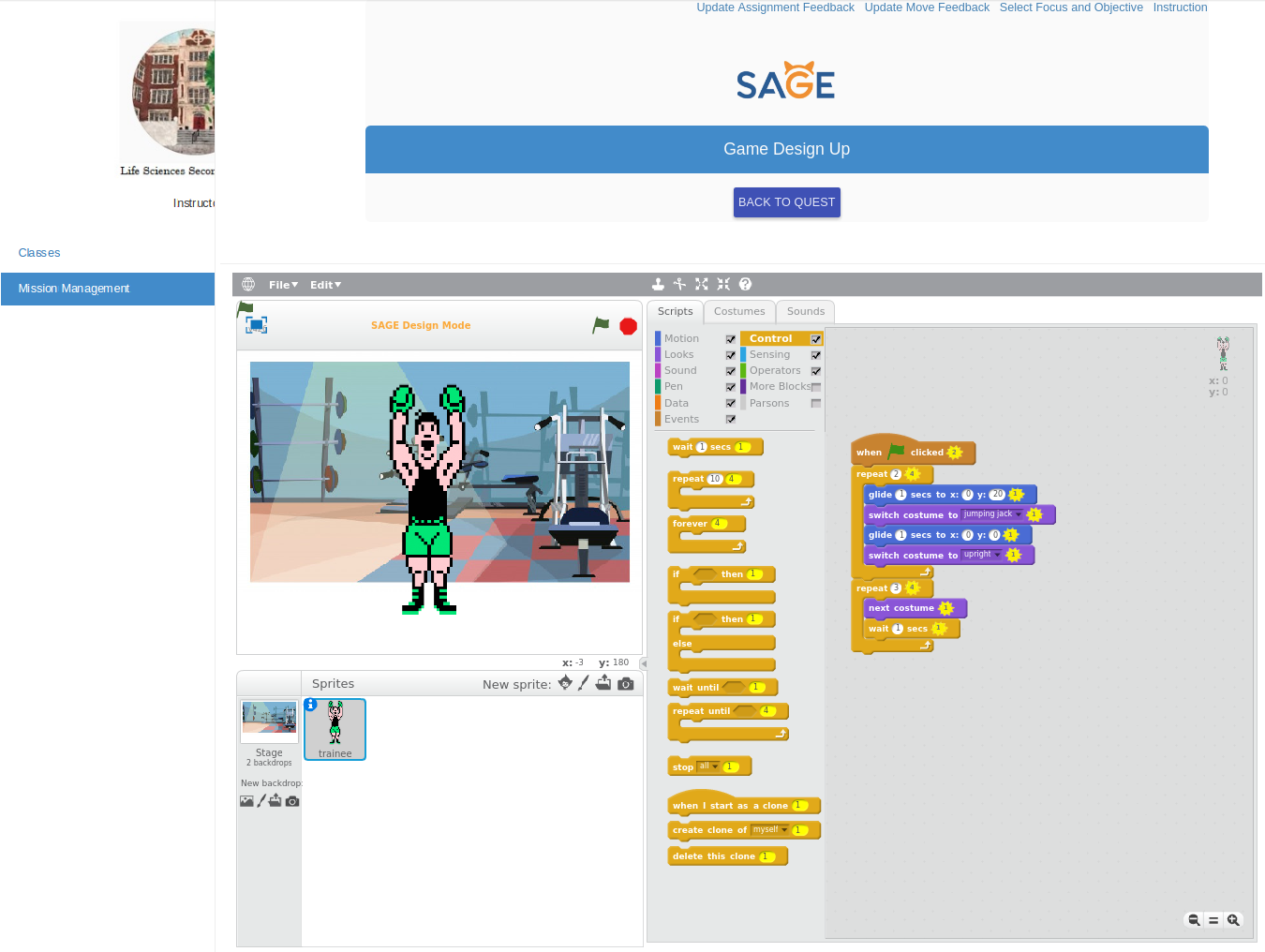
Looks: This block causes the sprite to switch from one costume to another. The sprite in the warm-up exercise has two costumes that reflect two states: upright position, and the jumping jack position.

Motion: This block causes the sprite to glide to the specified position. Gliding allows the sprite to move slowly. Let’s start with a few jumping jacks to get warmed up. To complete a jumping jack:
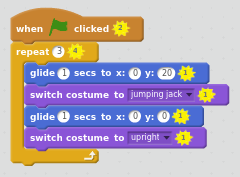
Make the sprite glide 1 seconds up 20 units (set “y” to 20 and “x” to 0 to move up) change to the jumping jack position glide back down 1 second (set “y” and “x” to 0 to move down) change to the upright position
Do 3 jumping jacks to complete this warmup!
Remember to start each puzzle with the block, When Green Flag is Clicked
Blocks needed: 6
Solution below:
.
.
.
.
.
.
.
.
Solution:
Game 1: Workout
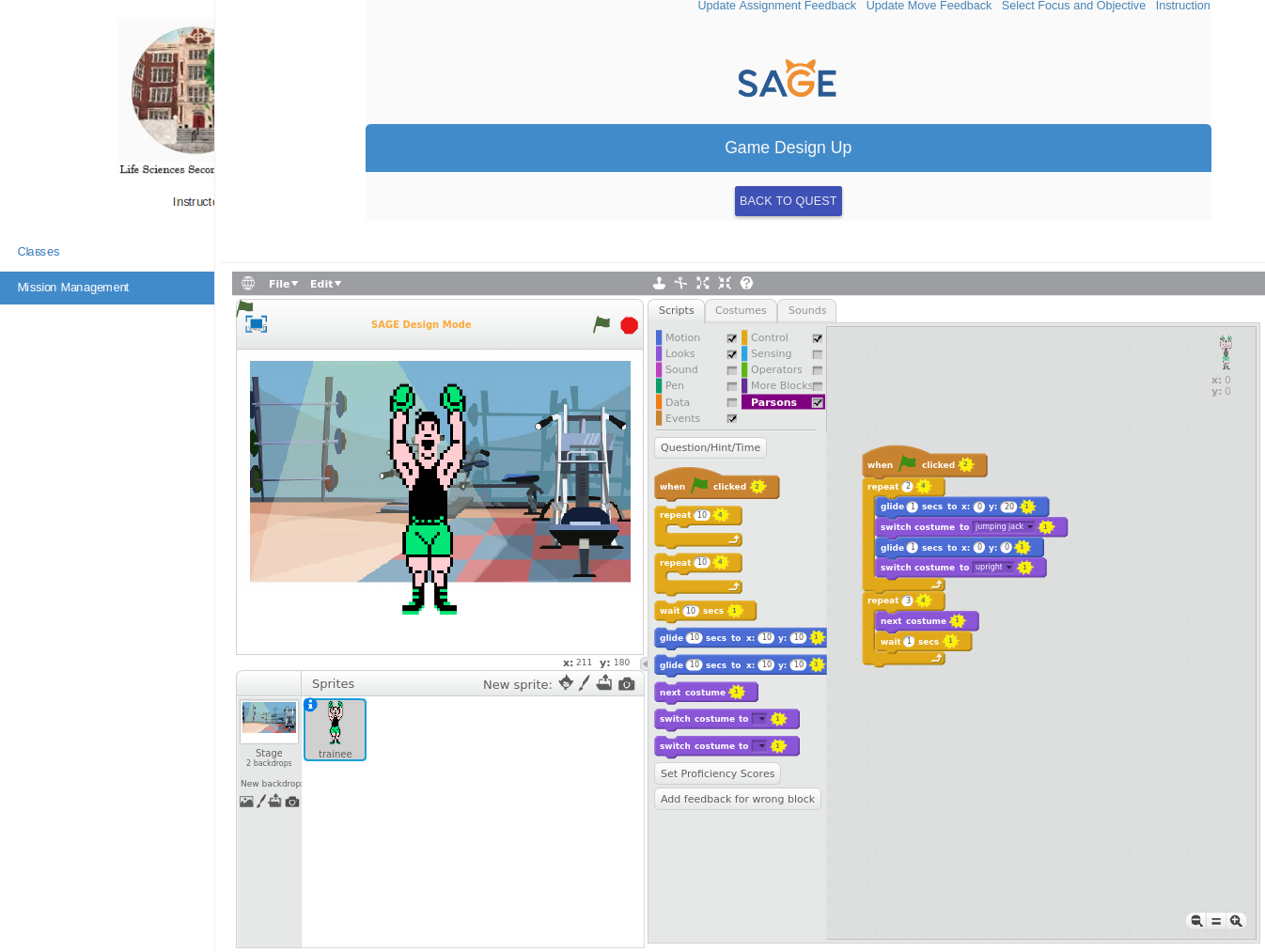
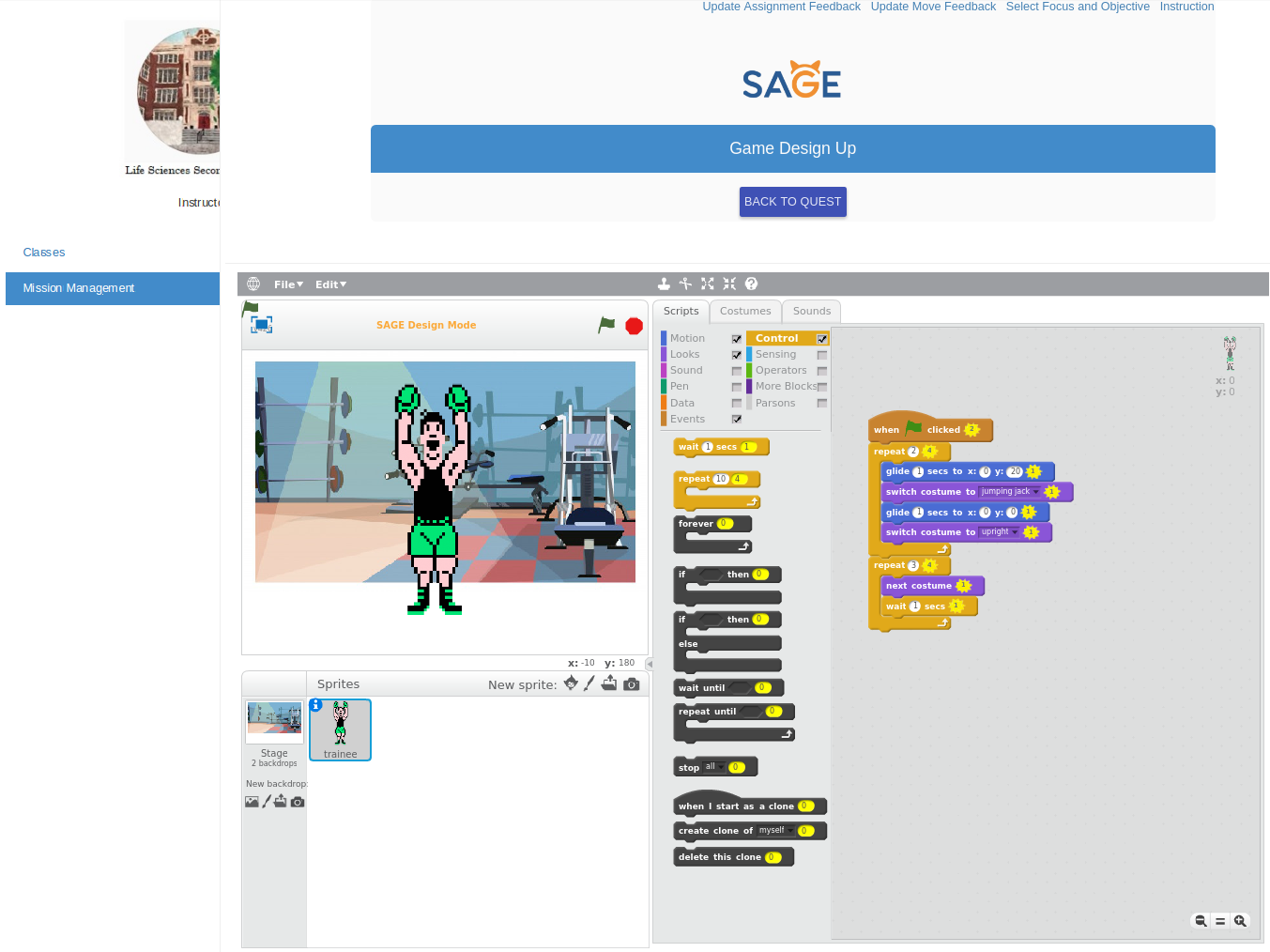
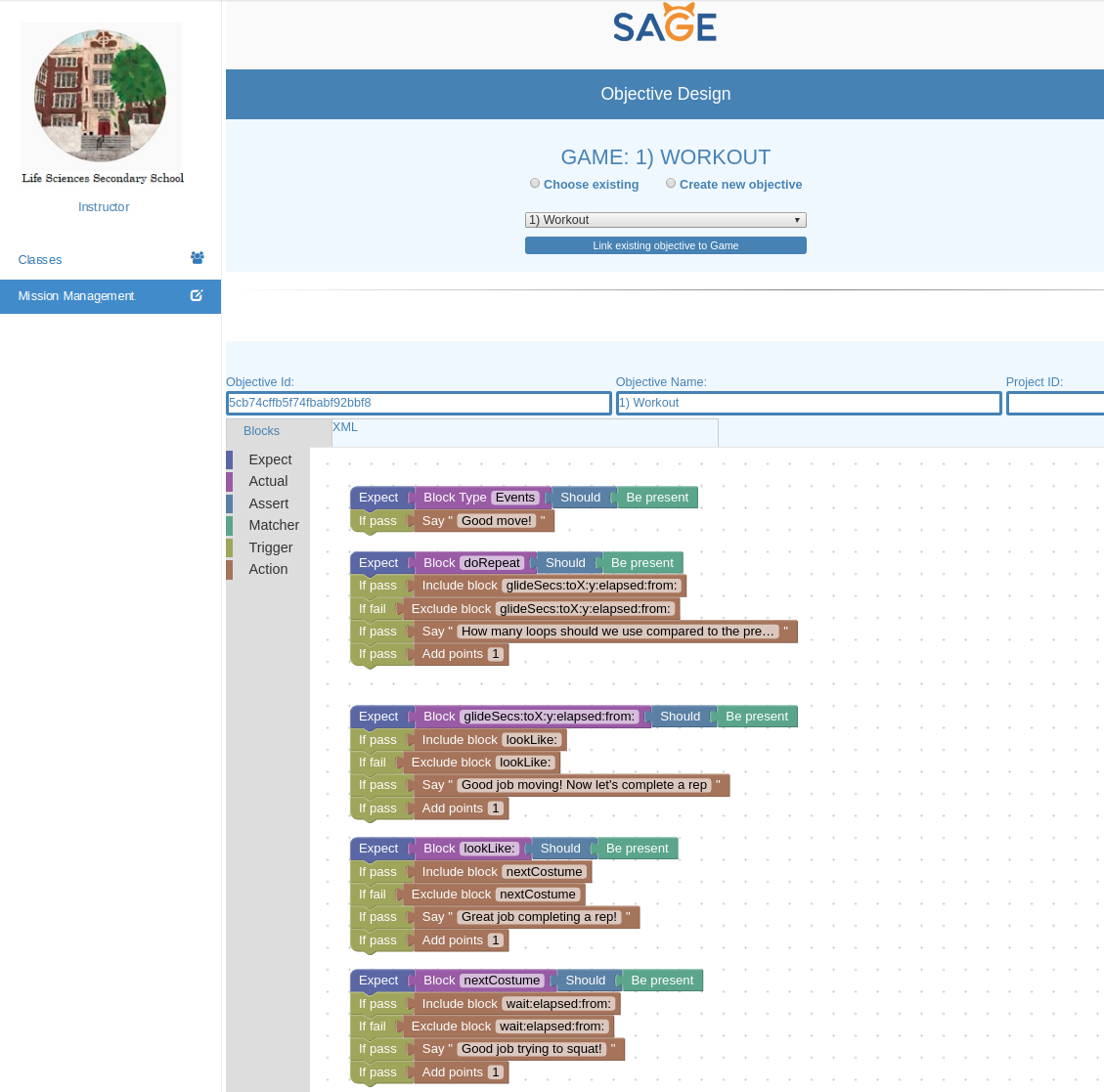
Using loops can help us use many less blocks in our code and avoid having to do repetitive tasks.
Let’s add some variety to our workout by adding a squat to our earlier routine. We’ll complete this squat by switching to the next costume and using the wait block:

To do 1 jumping jack, make the sprite do the following within a repeat block: glide 1 seconds up 20 units change to the jumping jack position using the switch costume to button, and glide back down 1 second change to the upright position To complete a squat, Make the sprite do the following 3 times using a repeat block: change to the next costume wait 1 second Do 2 jumping jacks followed by a squat to complete this problem.
Blocks needed: 9
Game 2: Sprints
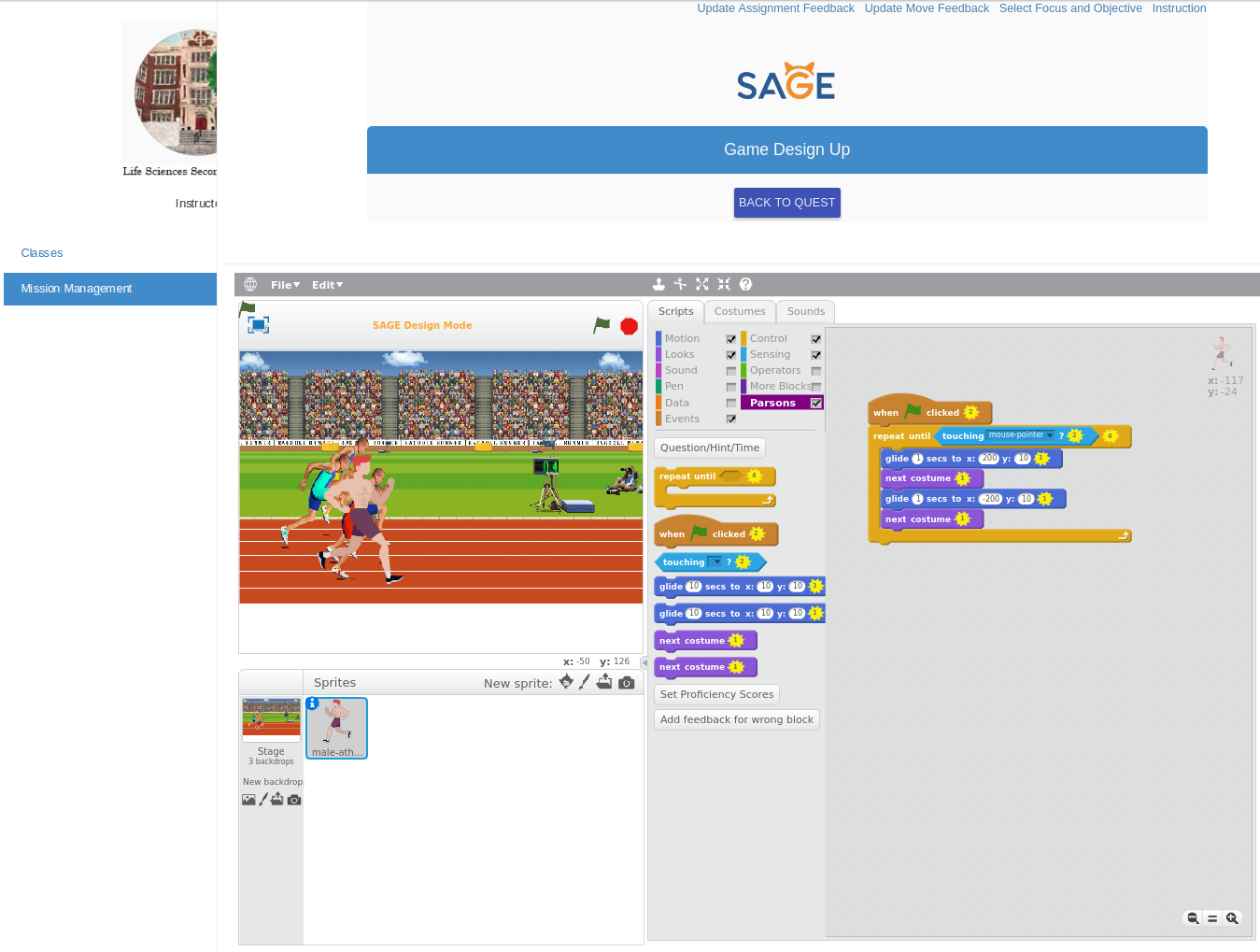
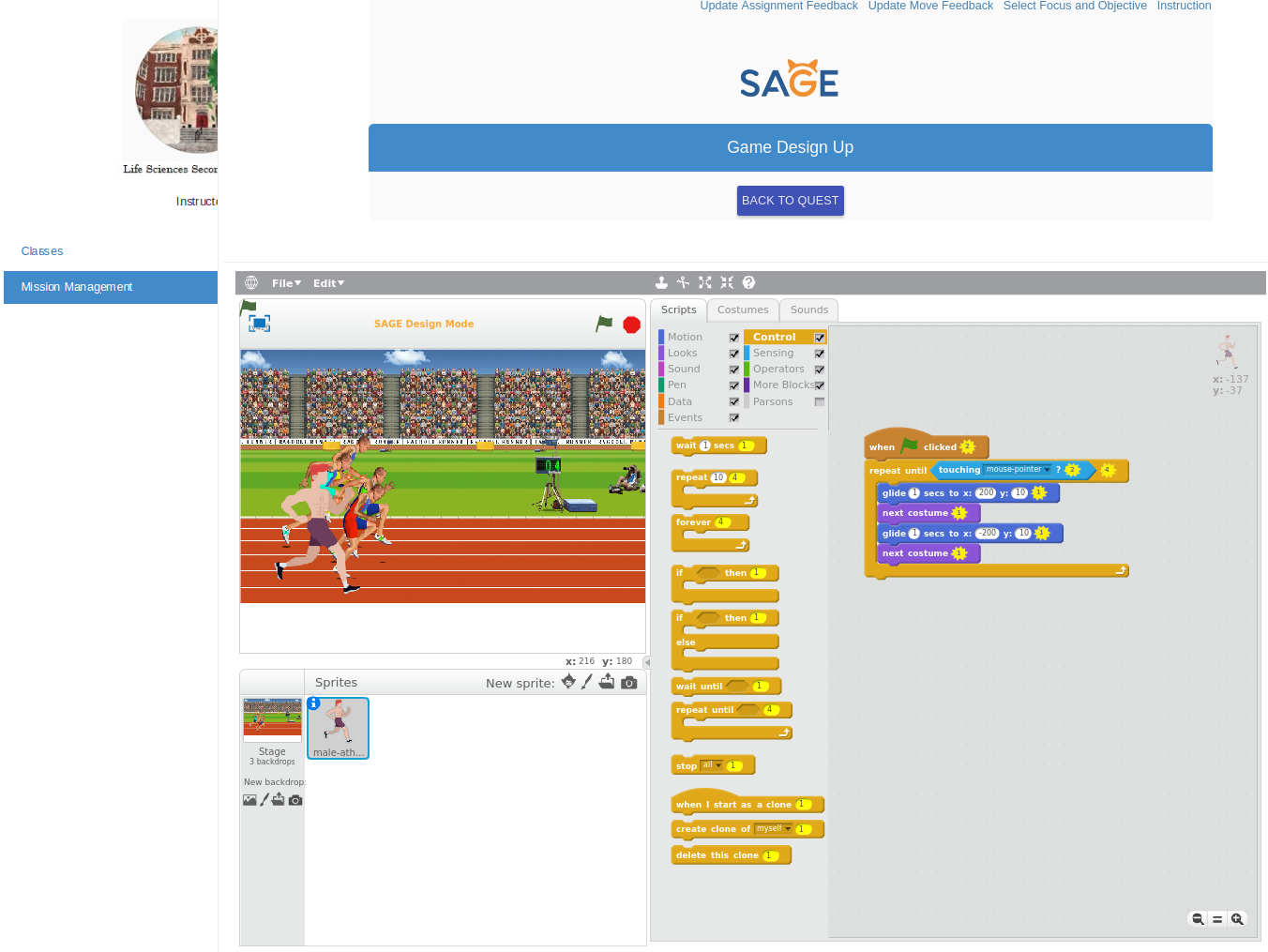
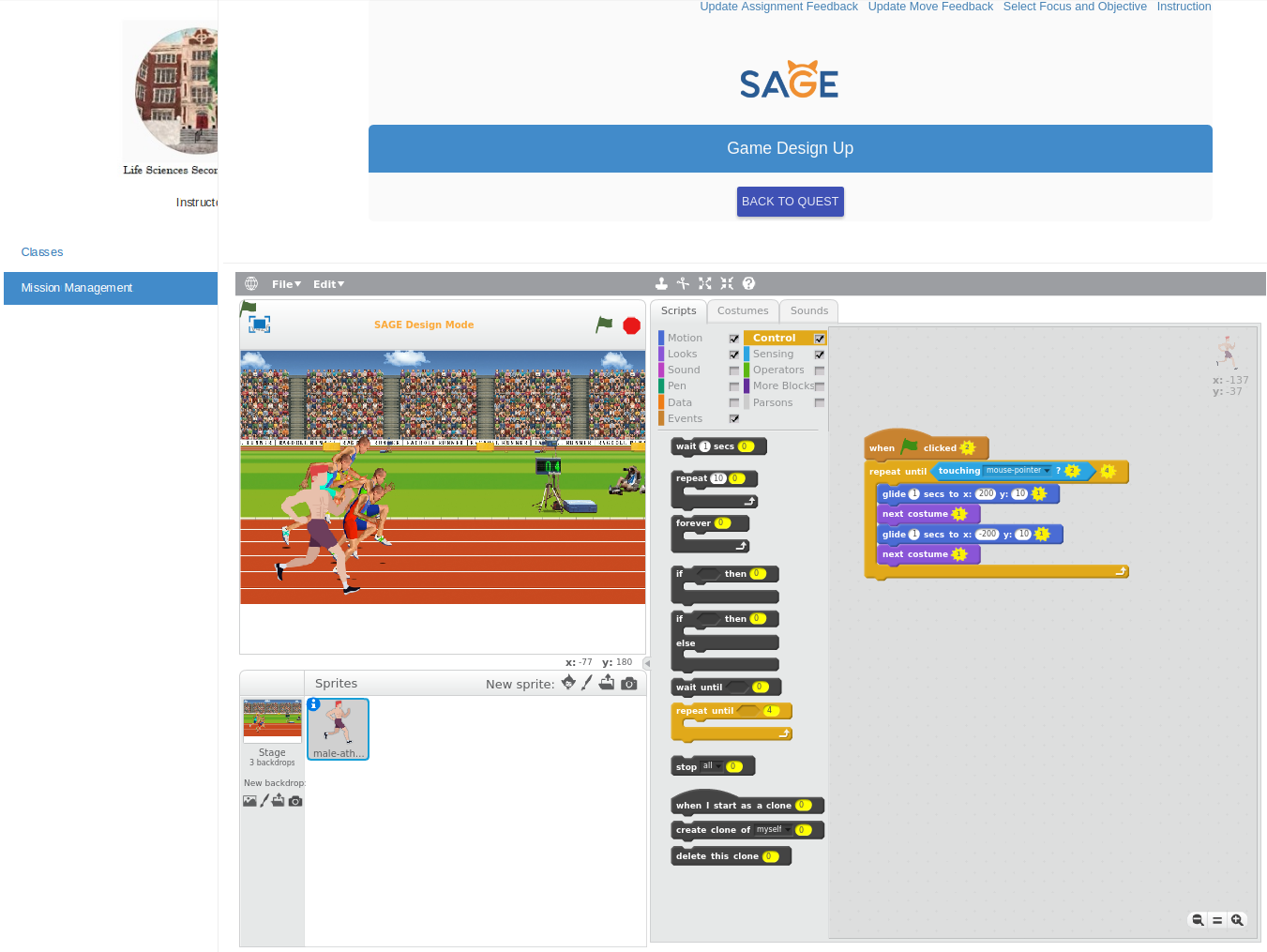
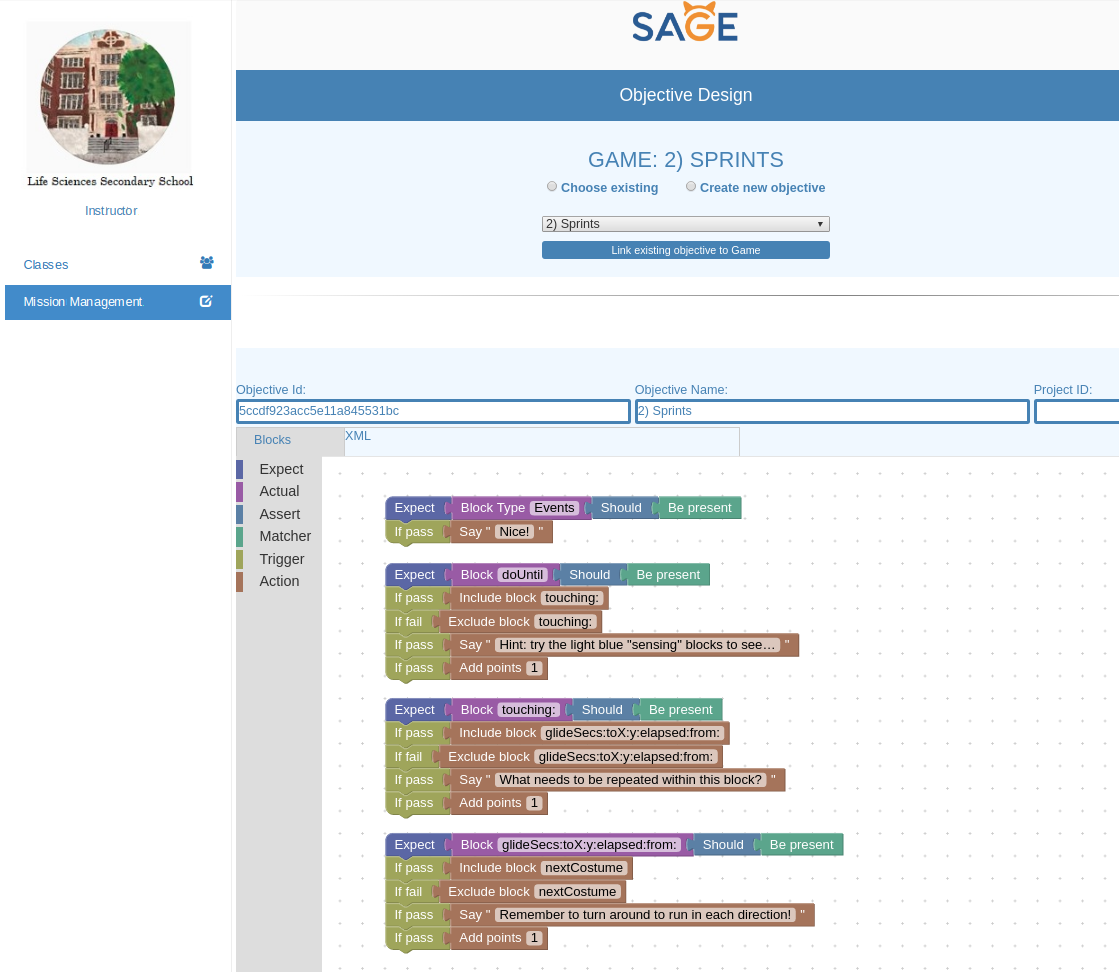
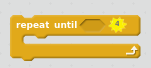
Now, let’s practice the actual running to train for our 5K. We’ll be running forward and back until the “STOP” button is clicked. To do this, we need to use the “Repeat until” loop block shown below:
The repeat until loop makes the code inside of the loop repeat until a certain condition is met or the “STOP” button is clicked.
The sprite starts at coordinates x = -137, y = -37. We’ll now be doing some sprints forward and back on the track. Make the sprite run sprints until it is touching the mouse pointer using the “sensing” block:

Run sprints by doing the following in the repeat until loop:
Glide to position x = 137, y = -37 to make the sprite sprint forward. Then, make the sprite move to the next costume to make it turn around. To sprint back, make the sprite glide to position x =- 137, y = -37.
Blocks needed: 7
Game 3: Field Day
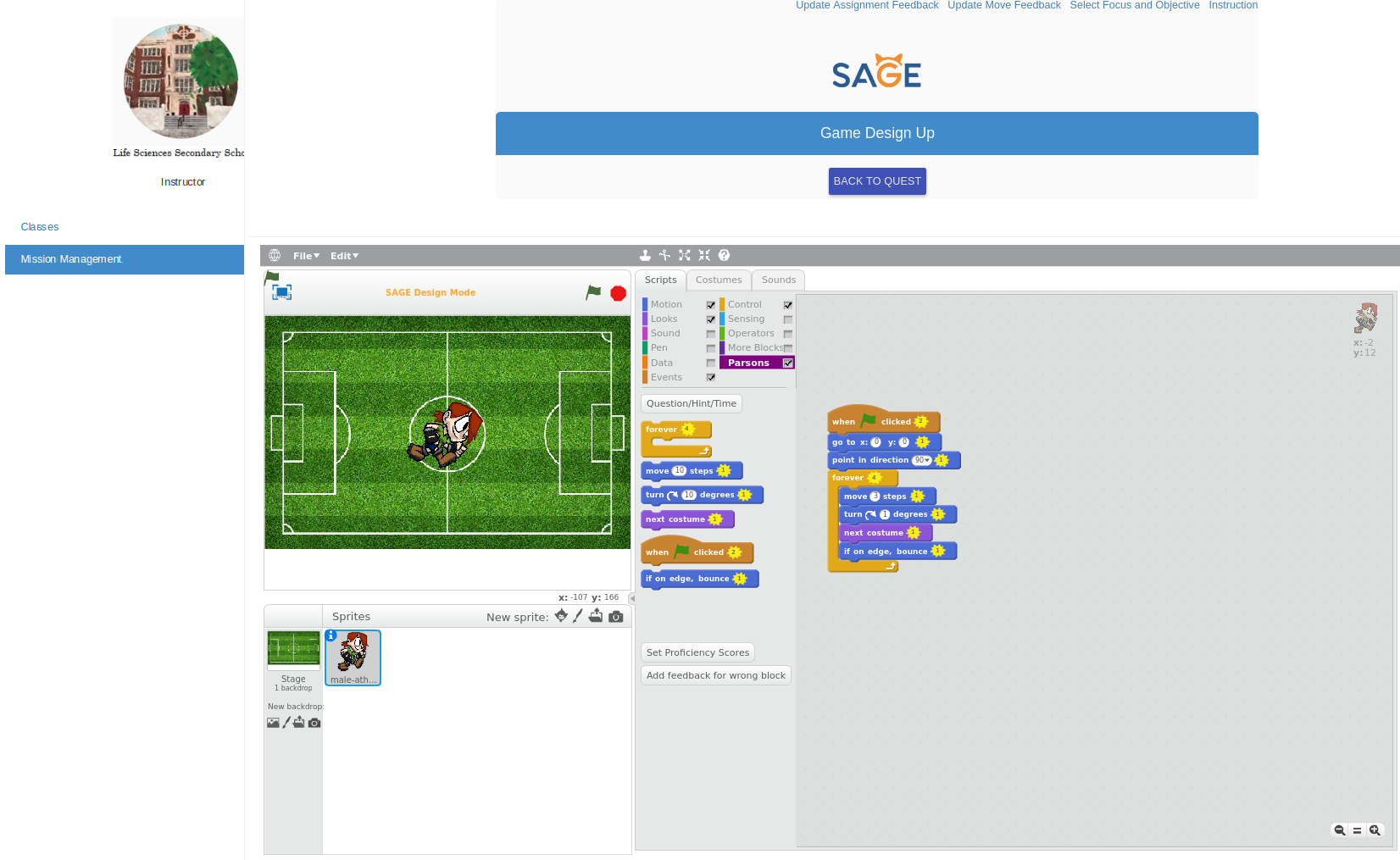
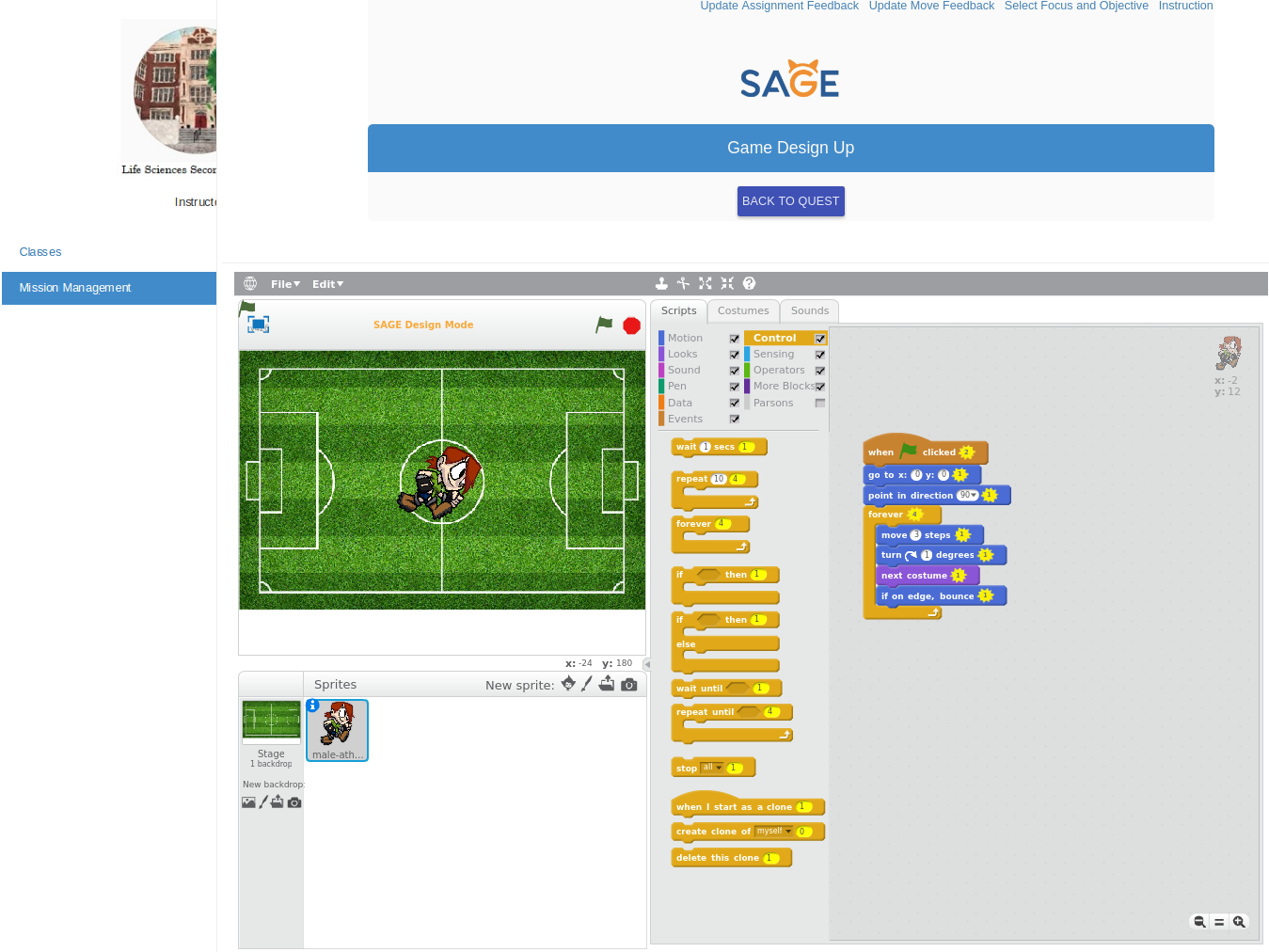
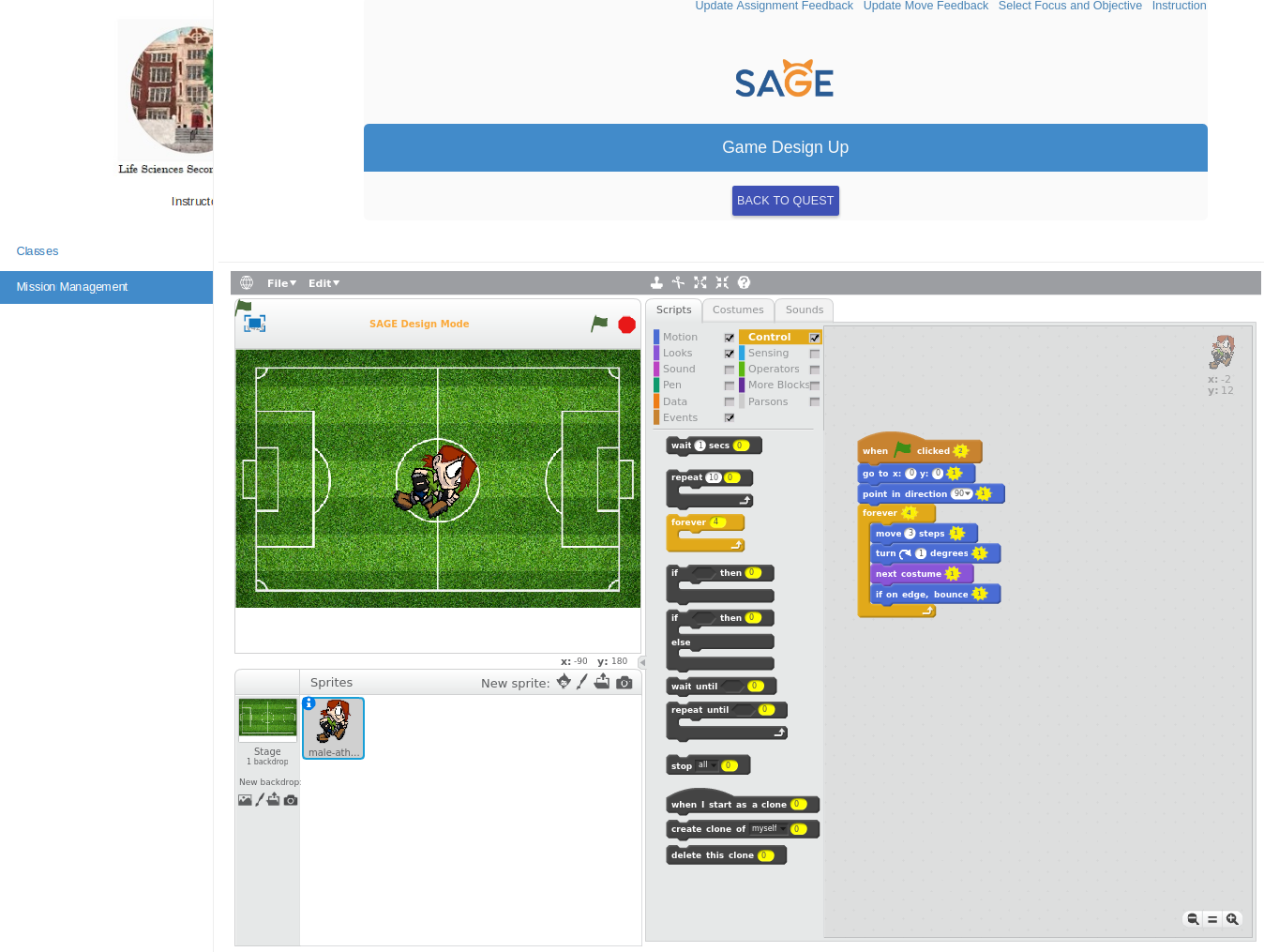
In this puzzle, we’ll train by running around a big soccer field indefinitely. We can make an action or sequence repeat forever using the forever loop. If this loop is used, everything inside it runs until the “STOP” button is pressed:
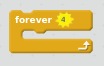
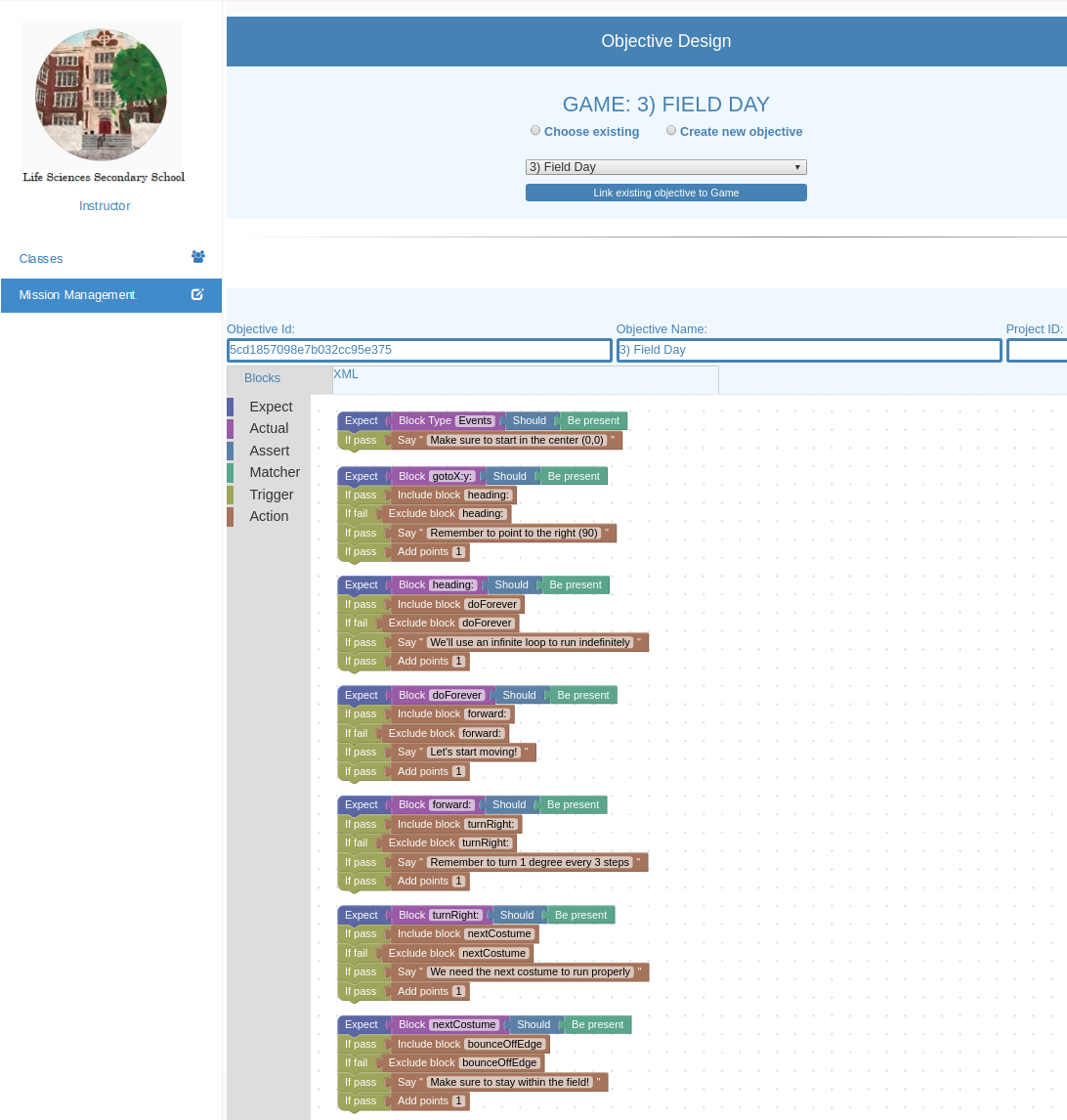
First, we want to place the sprite at the center of the field pointing to the right. The center is “x: 0 y: 0” and the direction is “90”. To run around the soccer field, move 3 steps, turn right 1 degree, and move the sprite to the next costume. If the sprite is touching an edge, we want to make it bounce so that it does not run outside of the field.

Blocks needed: 8
Game 4: Rounding Corners
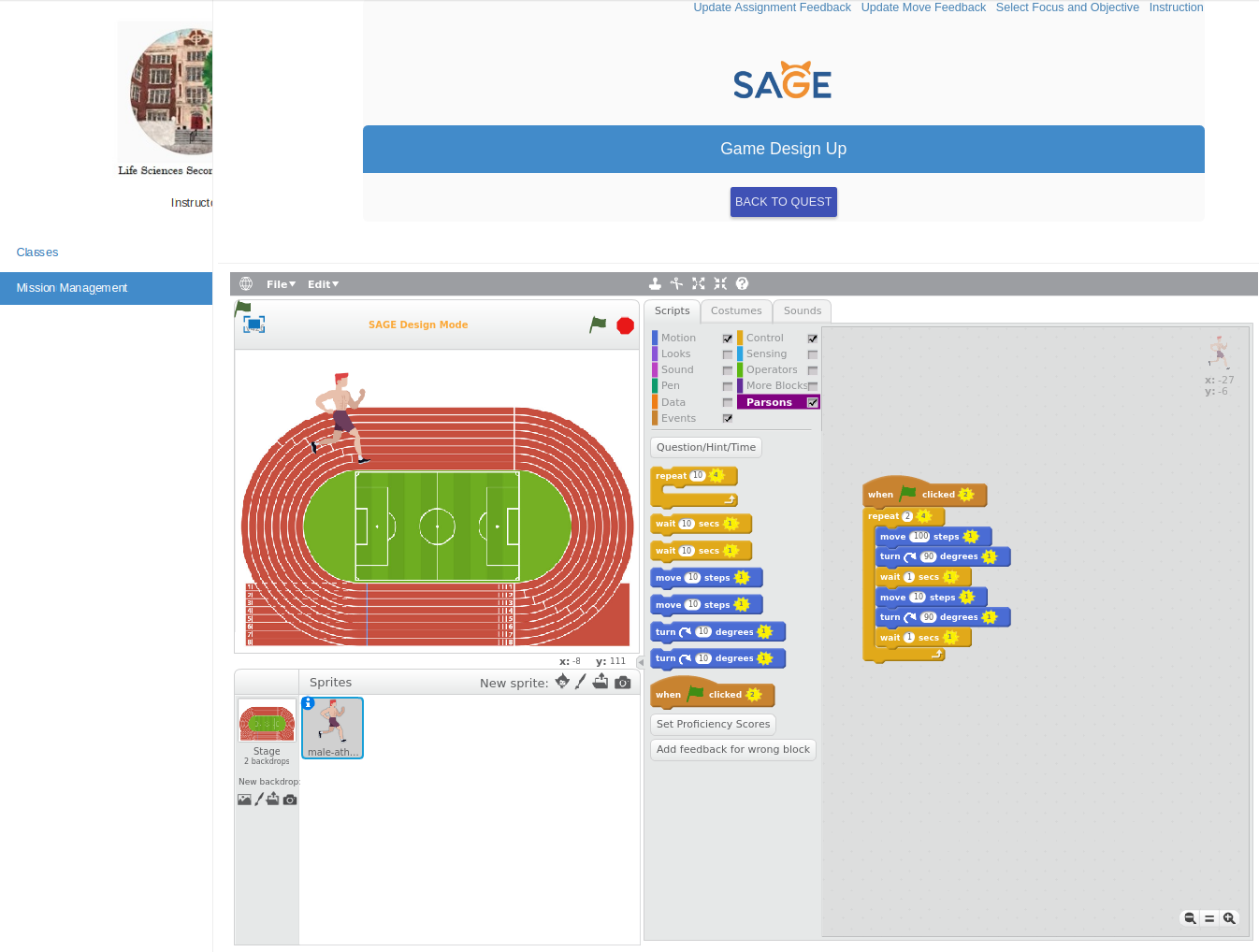
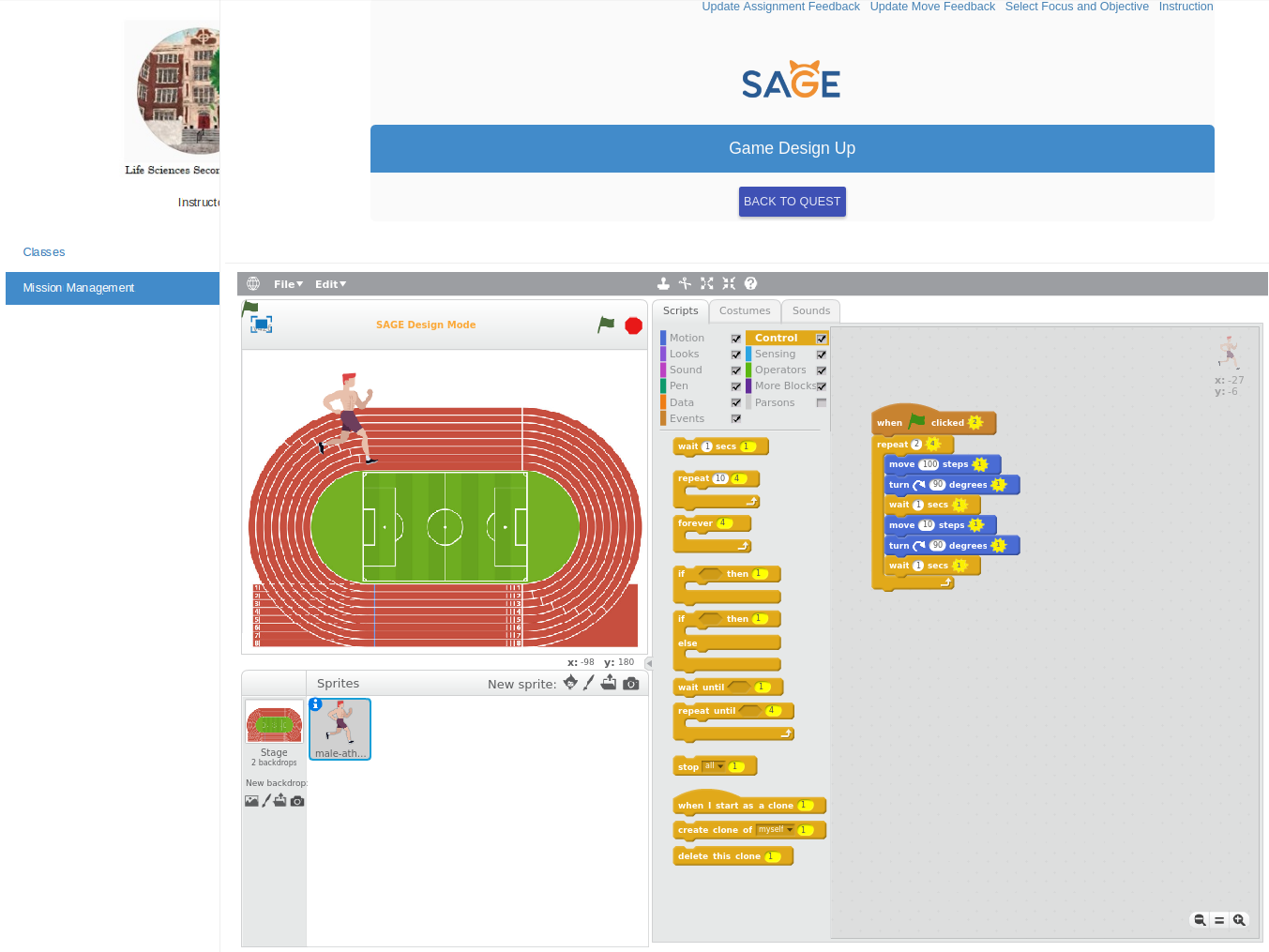
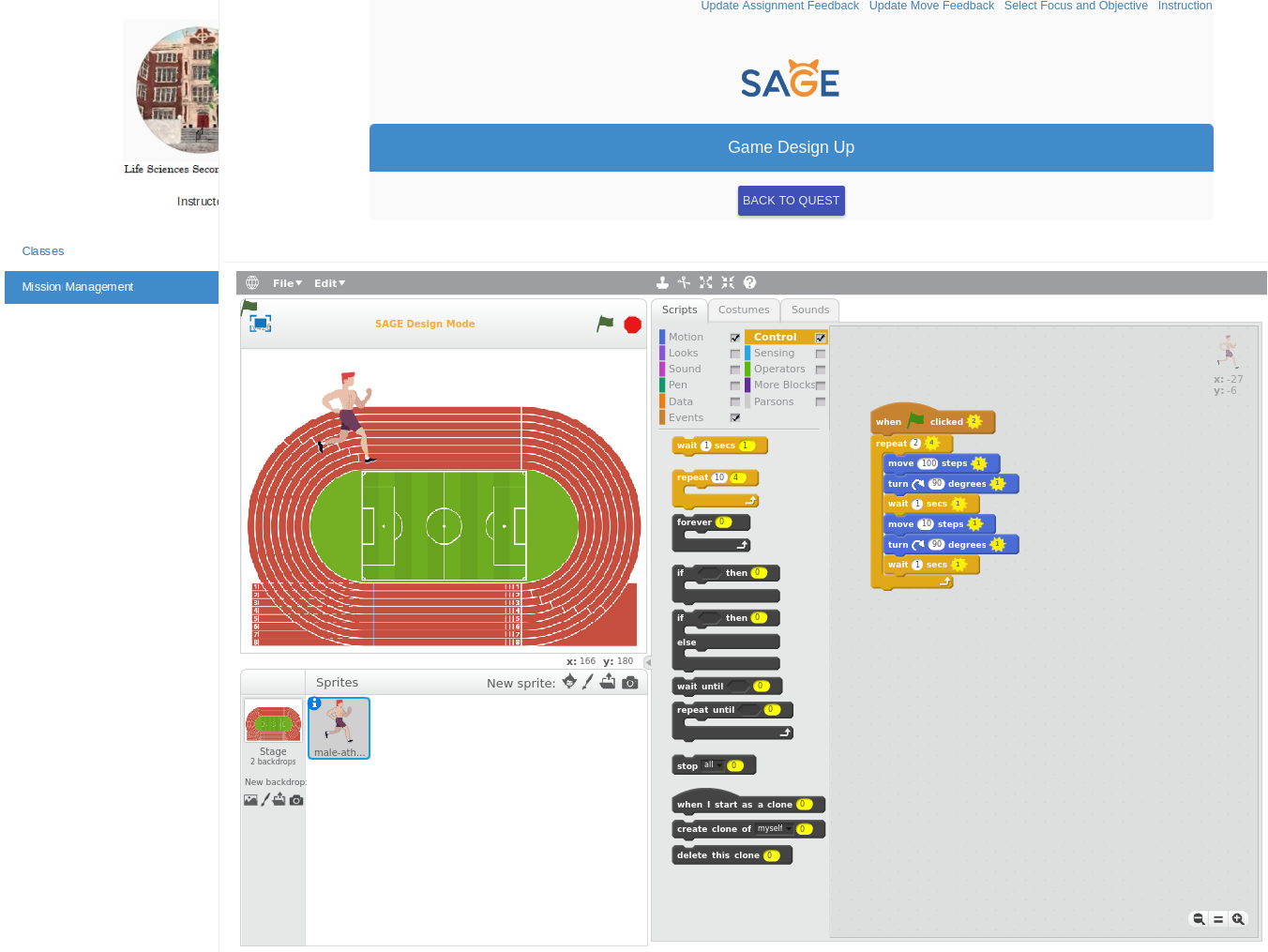
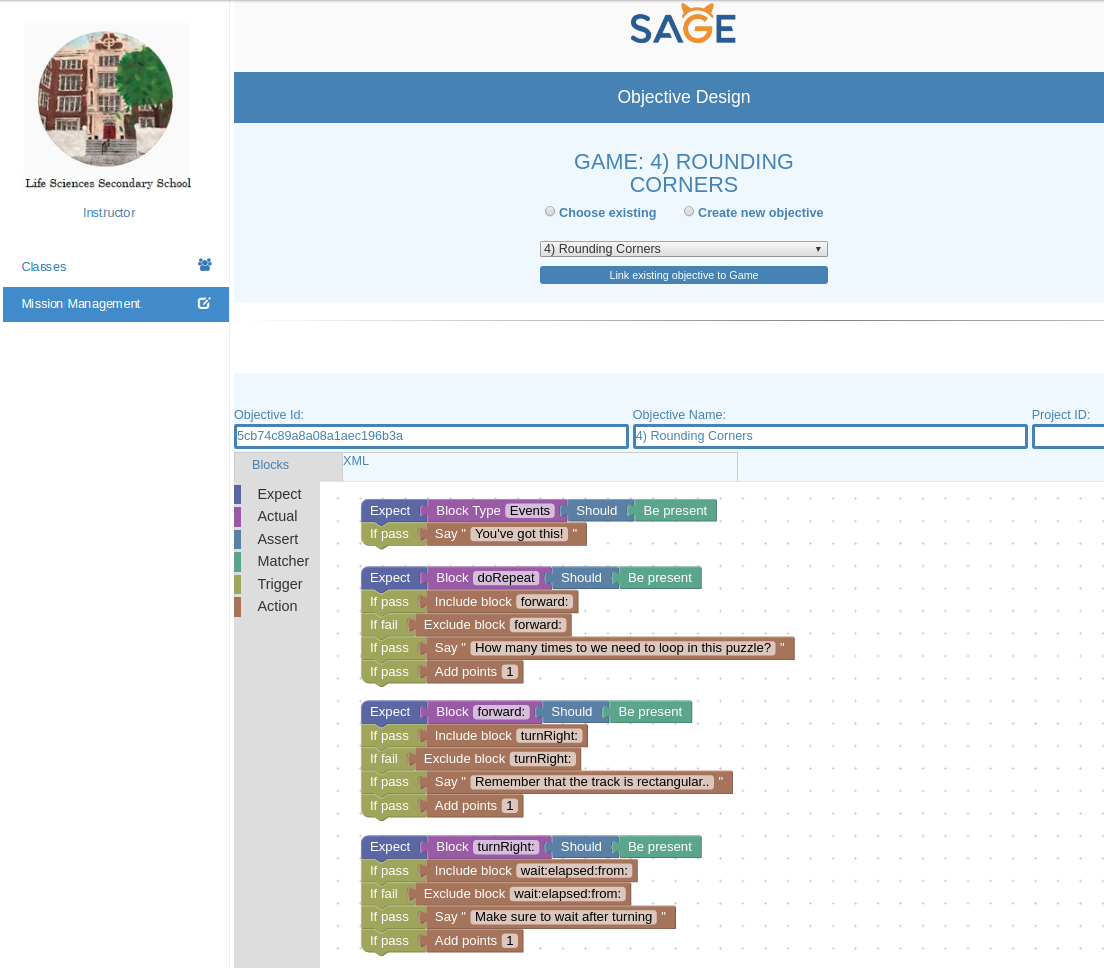
Now that we’ve trained our forward sprint, let’s practice rounding corners. We’ll try running around a track once by repeating twice the steps to run half the track. We’ll be using a “wait” block at each corner to give us time to turn:
Make the sprite run around the track until it reaches its original point.
To run the length of the track, move 100 steps. To turn a corner, turn 90 degrees and wait 1 second. To run the width of the track, move 10 steps.
Blocks needed: 8
Game 5: Running Laps
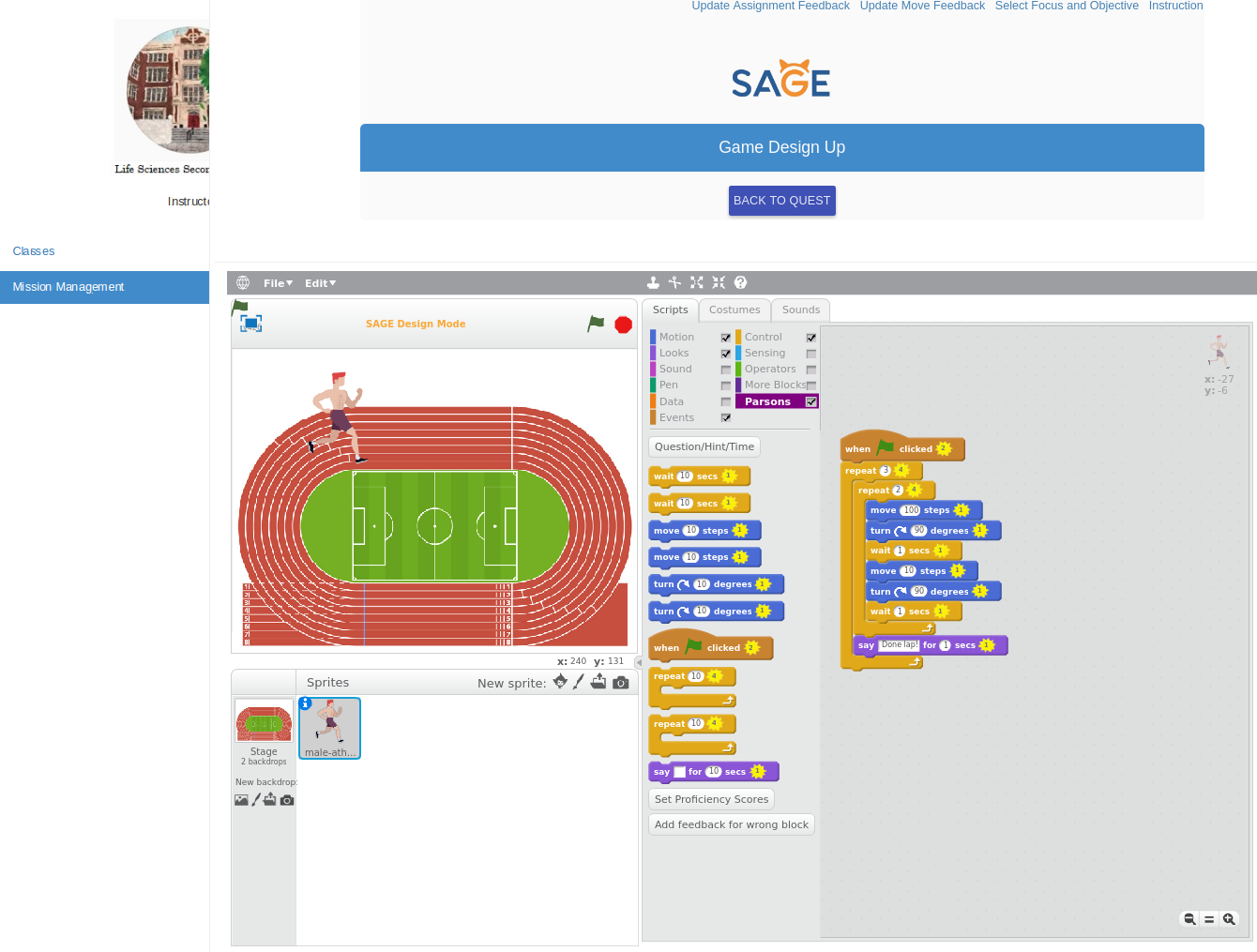
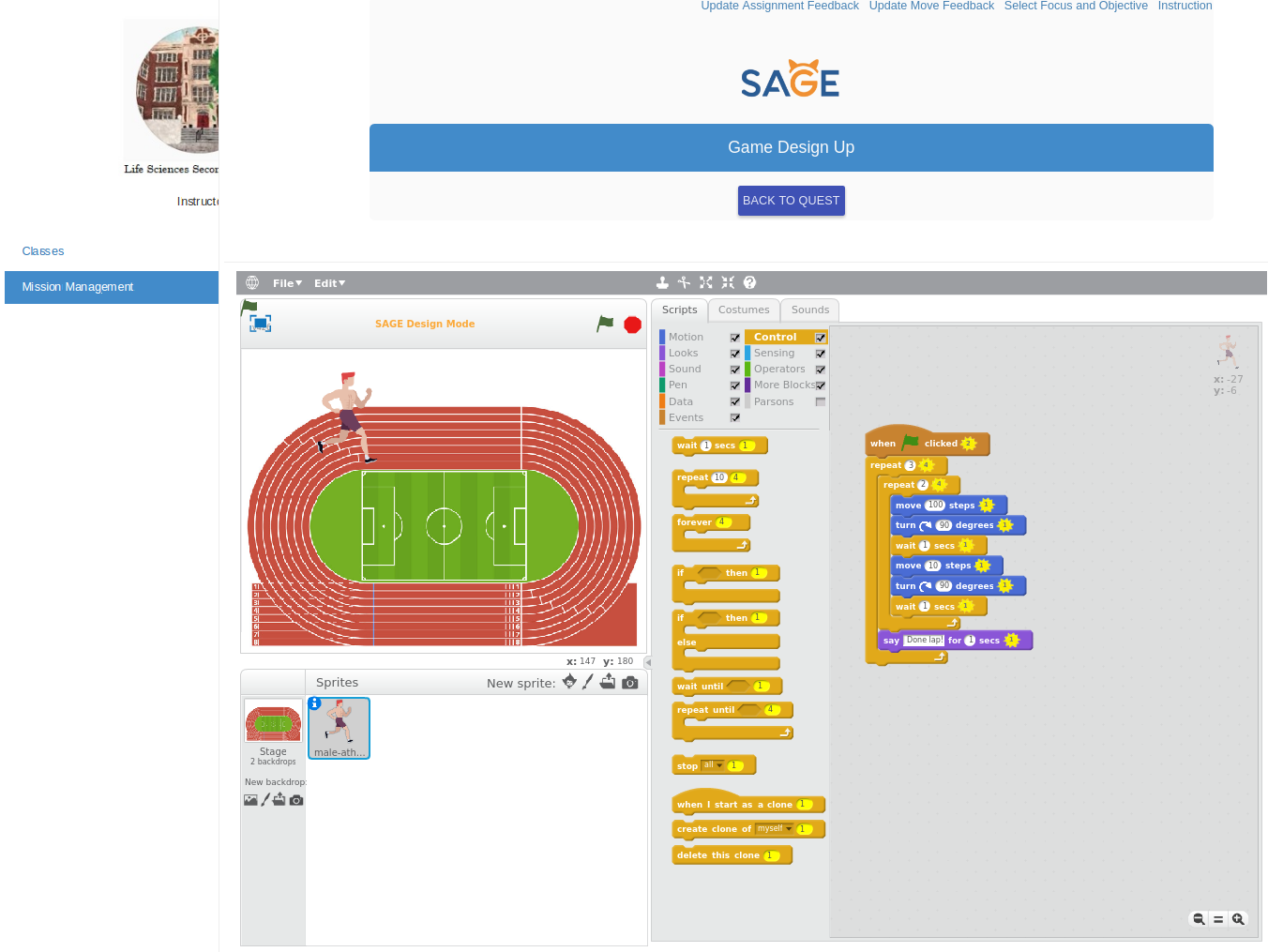
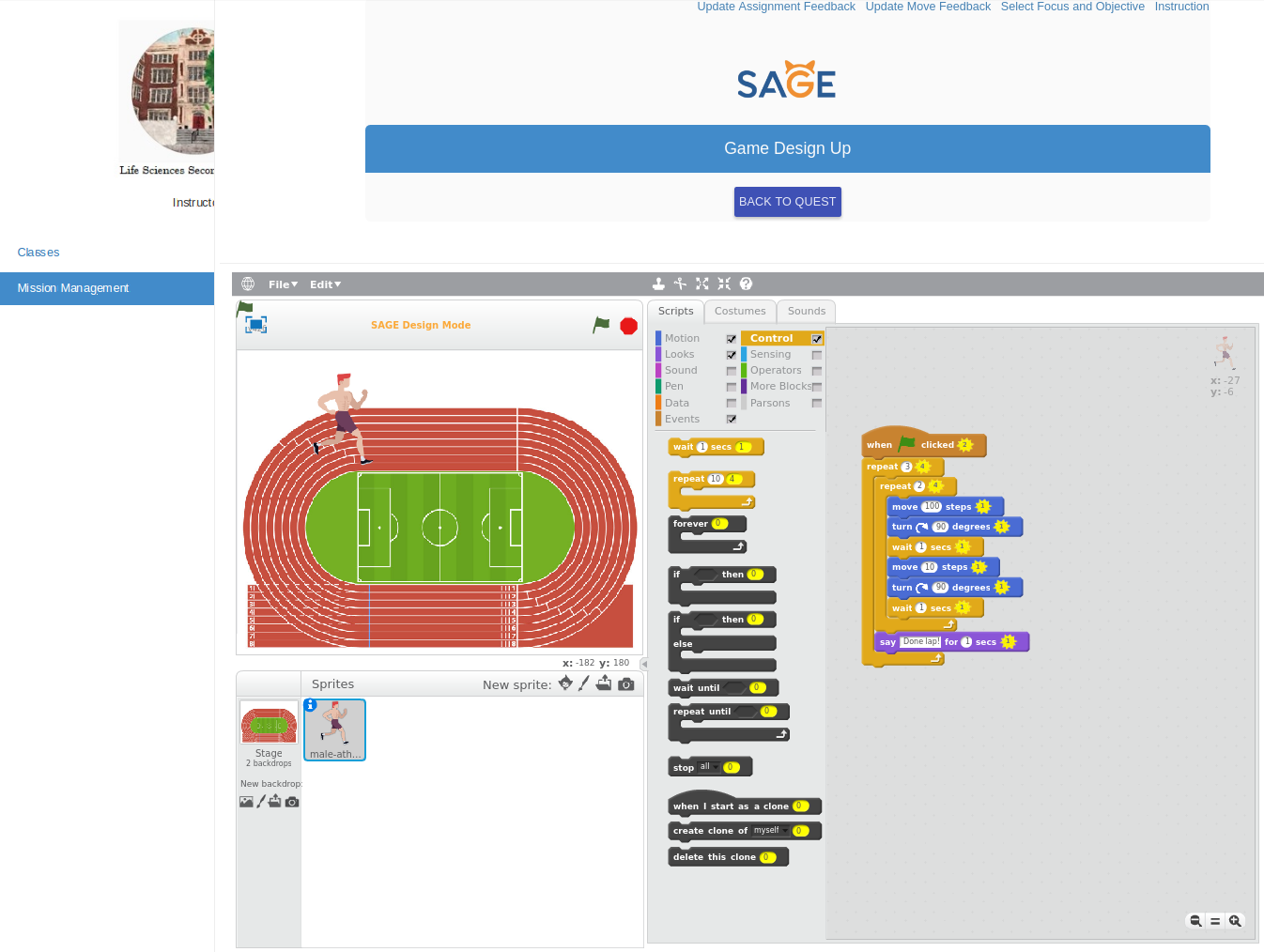
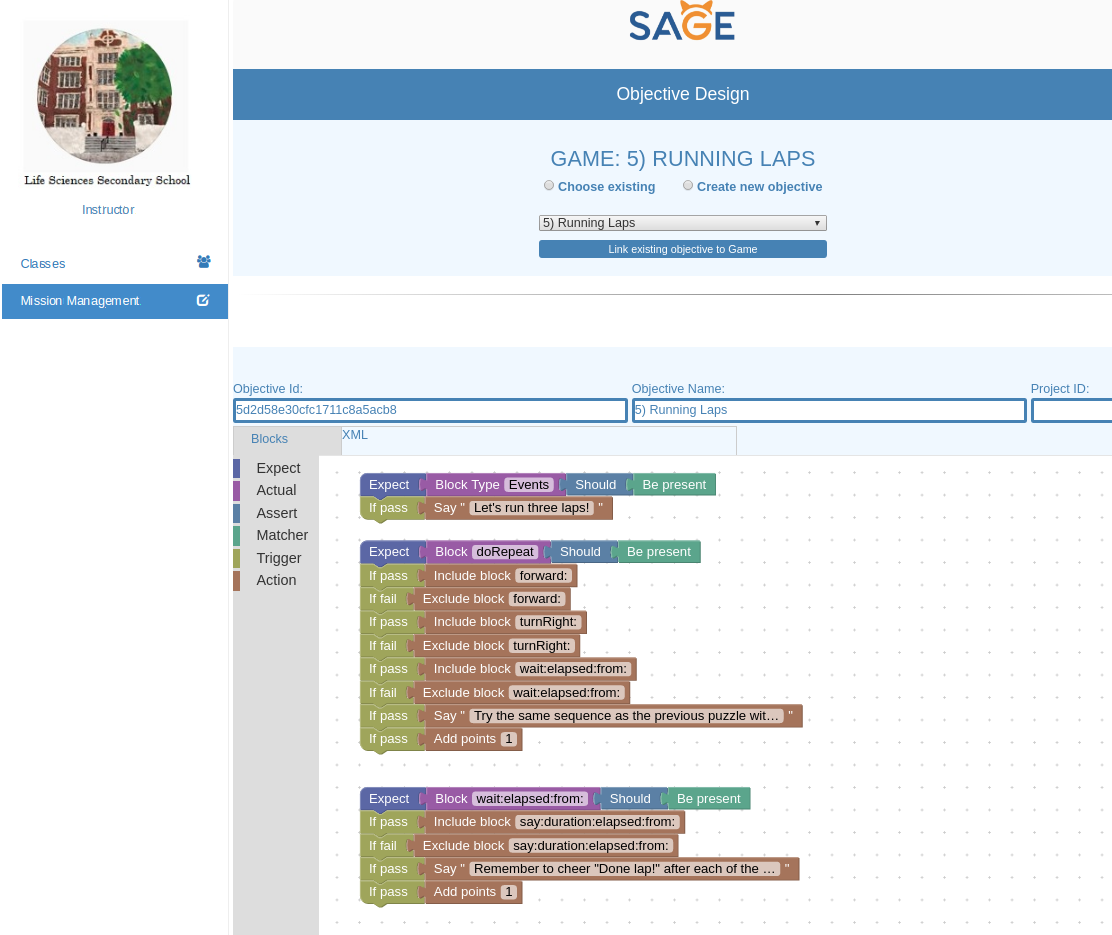
We’ve successfully trained our speed and practiced rounding corners! Now let’s run laps on a track to train for our 5k. For this puzzle, we will be running around the track 3 times now, using a loop structure called “nested loops.” Placing one loop inside of another creates a nested loop:
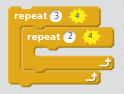
The repeat(3) block is often called the outer loop, while the repeat(2) block is called the inner loop.
Make the sprite run around the track once using the same loop sequence as in problem 4. As a reminder:
To run the length of the track, move 100 steps. To turn a corner, turn 90 degrees and wait 1 second. To run the width of the track, move 10 steps.
Repeat this sequence 3 times by nesting the around-the-track loop sequence inside of another loop. Each time the sprite completes a lap around, make it say, “Done lap!” for 1 second.
Blocks needed: 10
Game 6: Endurance Training
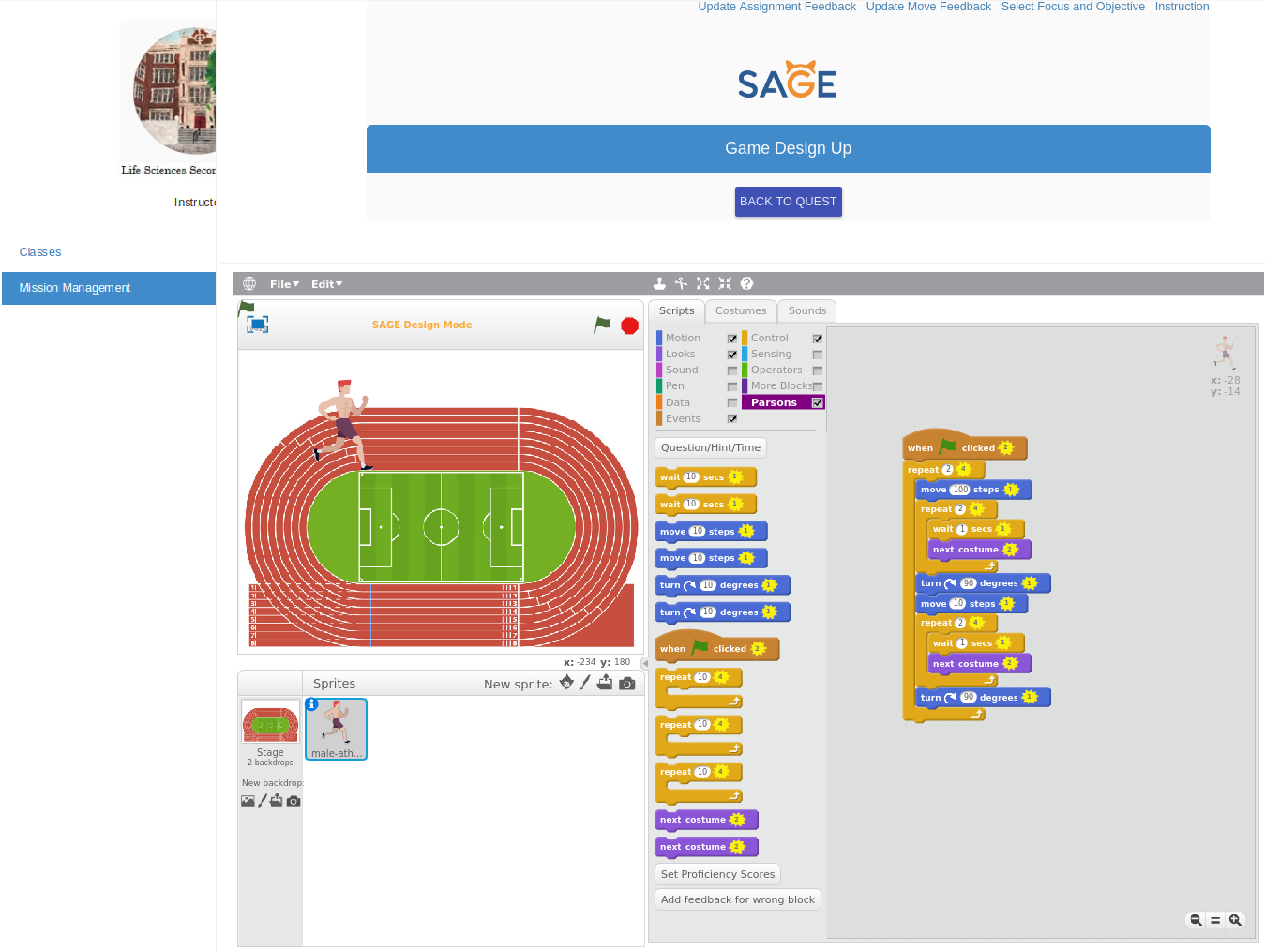
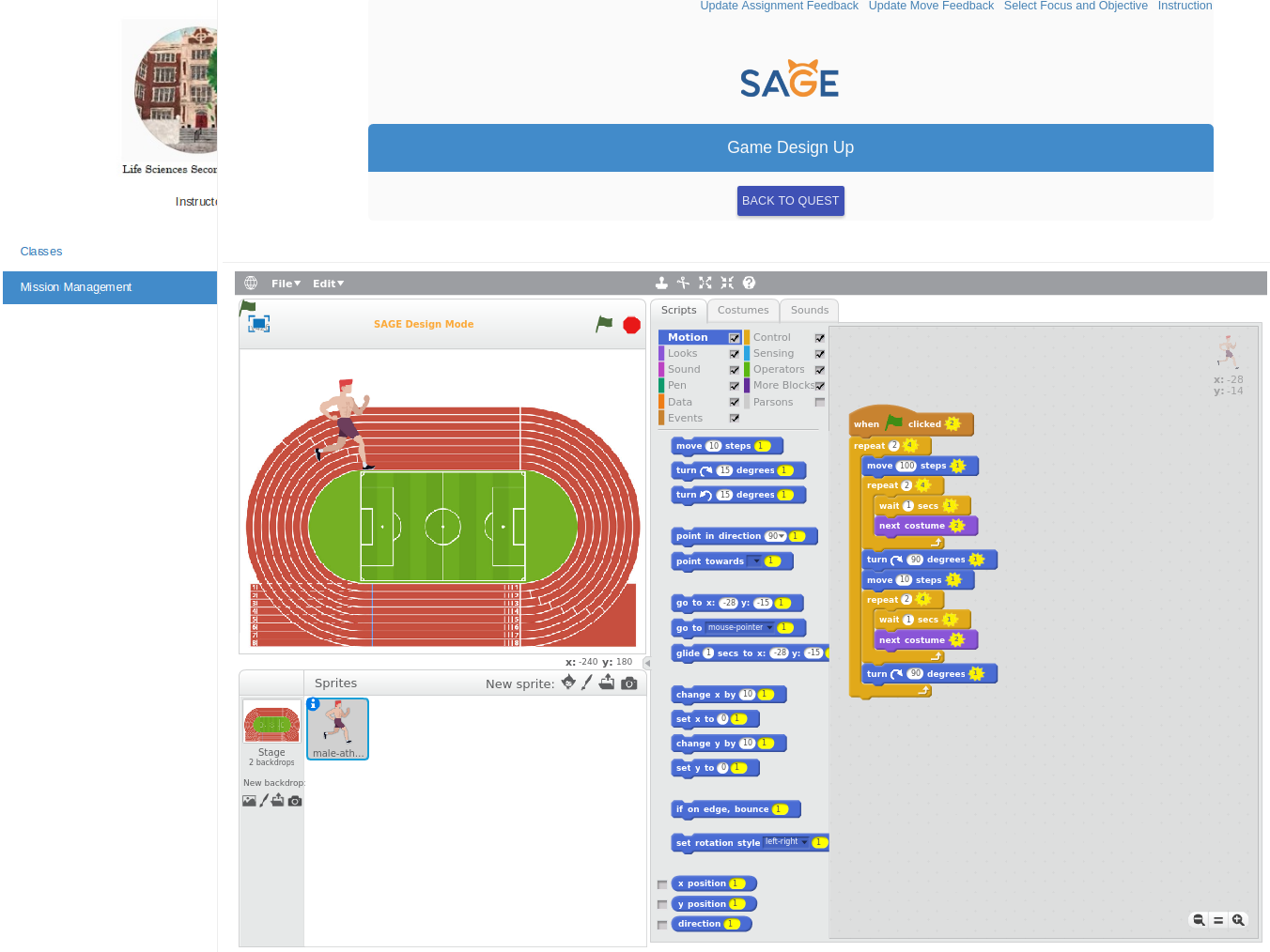
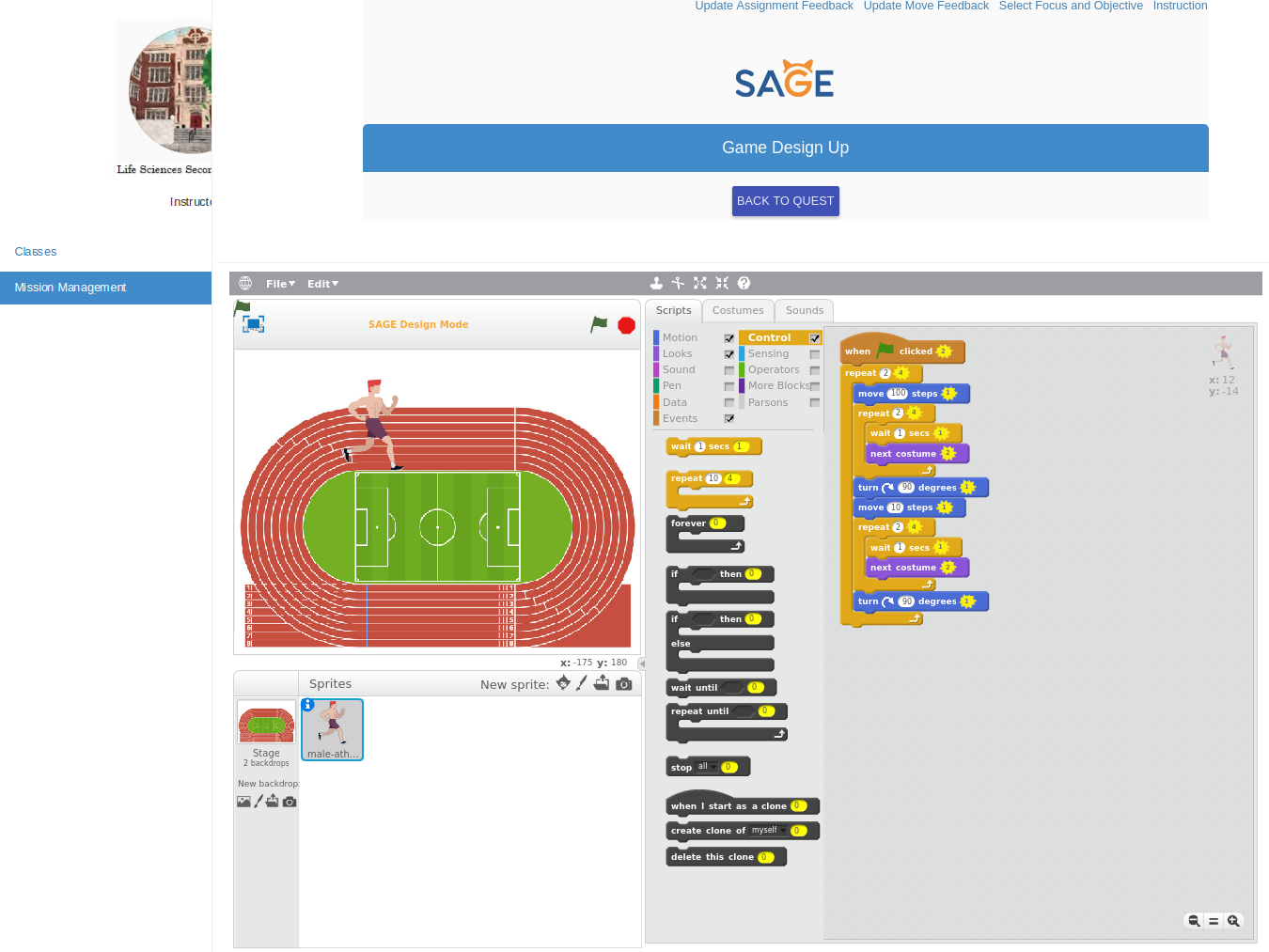
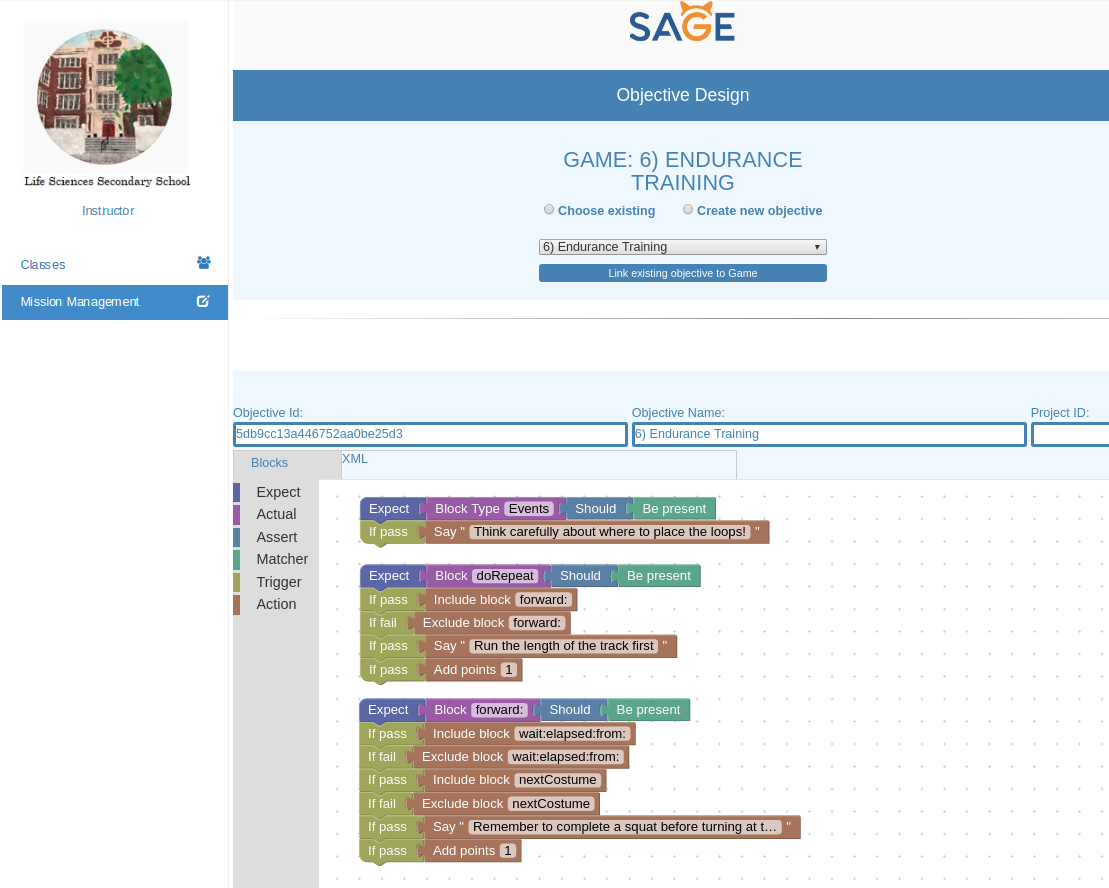
Now that we’ve been training for a while, let’s intensify our workout to build even more endurance. Once again, we will be using nested loops: a structure in which a loop is placed inside of a loop. For this problem, we’ll be nesting a combination of loops and sequences within our main loop. An example of nesting is once again shown below:
.png)
Make the sprite run around the track again one more time, but this time, do a squat before turning at each corner.
To run around the track:
Run the length of the track: move 100 steps. To run the width of the track, move 10 steps. Do a squat Turn a corner: turn 90 degrees.
To complete a squat, do the following two times:
Wait 1 second Switch to the next costume
Blocks needed: 12